
Install the App, Then Prepare for World Cup and Cricket Fantasy
Use a verified Dream11 app route, then focus on fantasy decisions: football line-ups and match context, or cricket playing XI, pitch, toss impact and contest limits.
- Best use case
- World Cup football and cricket fantasy users who track line-ups, playing XI, roles and match context
- Safest source
- Official Dream11 route or verified store listing only
- Use only if
- 18+ and local rules allow participation
- Reject immediately
- Mod APK, fake update prompt, OTP capture screen
Use the App for a Clear Football or Cricket Routine
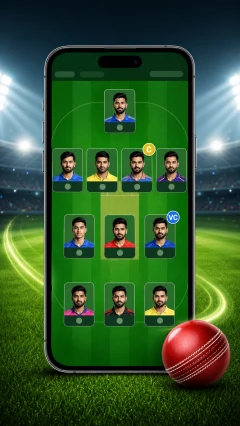
Shortlist players by role, confirm the football starting eleven or cricket playing XI, review rotation or pitch risk and lock the budget before entering a contest.
Fix Install Problems Without Taking APK Risks
| Issue | Likely reason | Action |
|---|---|---|
| Parse error | Old Android version or broken download | Download again from the official route; if the error repeats, your Android version or file may be incompatible. |
| Security warning | Browser APK install protection | Do not bypass the warning for an unknown file. Confirm the source first, then scan it before opening. |
| App conflict | Old or modified build already installed | Uninstall old or unknown Dream11 builds, restart the phone, then install only the verified file. |
Install Once, Then Make Better Fantasy Sports Decisions
- Download from official channels: Start from the official route; avoid APK mirrors, Telegram files and shortened links even when they look faster.
- Check permissions: Reject installs that ask for unrelated permissions or behave differently from the official download instructions.
- Protect OTPs: Enter OTPs only in the official login flow you started; never send them to a person in chat.
- Update regularly: Update regularly from verified routes; old builds can break login or miss security fixes.
Recent Fantasy Sports Questions